Access and signing in
Access to the CSL SIM Insight platform is provided through a secure web interface. Your login details are issued directly to you as part of the account setup process.
To access the platform, open the login page. For security reasons, access is only available over a secure connection.
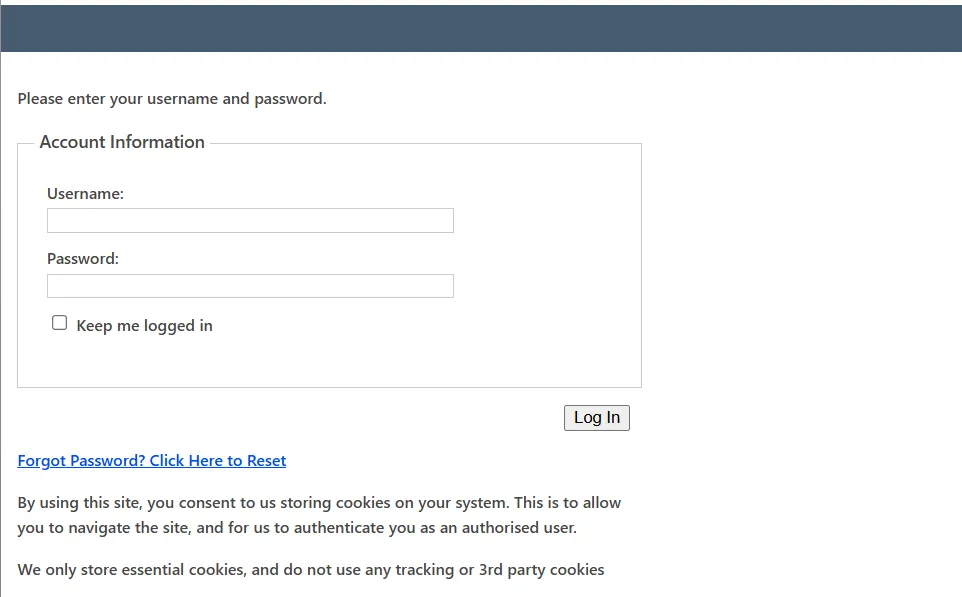
On first login, you are required to set a unique, strong password.
If 2FA (Two Factor Authentication) is enabled for your account, you will also be prompted to complete the 2FA setup process before accessing the platform.
Once configured, 2FA adds an additional verification step after entering your username and password. You will be required to enter a time-based code generated by your authenticator app.
On trusted devices, you may choose to reduce how frequently this additional verification is requested. This option is not recommended on shared or portable devices.
All activity within the platform is logged against your individual user account. You are responsible for any actions carried out while logged in under your username.
For security purposes, your session will automatically time out after a period of inactivity. You will need to sign in again to continue.
When signing in, you may choose to remain logged in on trusted devices. This option should only be used on secure, private devices.
If you experience any issues accessing the platform, contact support for assistance with account access, password resets, or authentication queries.