Branding
Branding allows you to customise the visual appearance of the Portal by replacing the default branding with your own images.
Supported file formats:
- .png
- .jpg
- .gif
Three image types can be uploaded:
- Banner
- Home Page
- Error Page
To apply custom branding, you must upload at least a new Banner image.
Image types
Banner (required)
The Banner image replaces the standard Portal header branding.
If no Banner image is uploaded, default branding will be displayed.
Home Page (optional)
The Home Page image is displayed on the Portal landing page.
If omitted, no custom home page image will be shown.
Error Page (optional)
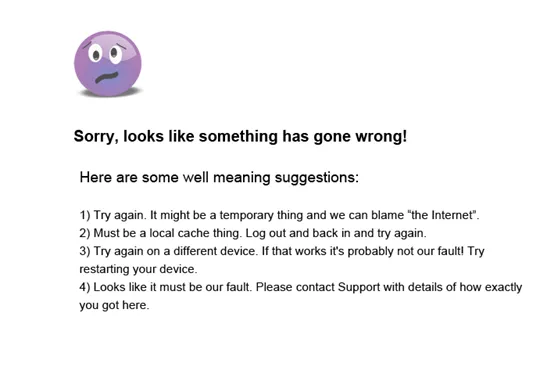
The Error Page image replaces the standard generic error page.
If omitted, a default error page will be used.

Customer-level branding
If Customers are configured within the Portal, you may upload separate image sets for individual customers.
Branding is applied hierarchically:
- If a Customer-level Banner image is not specified, the associated Distributor image set is used.
- If no Distributor Banner image is specified, the default Portal branding is displayed.
This ensures consistent fallback behaviour across user levels.
Image guidance
Recommended image dimensions and formatting guidance are available via the Help button on the page.
Using the specified dimensions ensures images display correctly across supported screen sizes.
When to use Branding
Branding is typically used when:
- Applying organisational identity
- White-labelling the Portal for distributors or customers
- Providing customer-specific visual environments