Import Custom Data
4 min
Import Custom Data allows you to upload a spreadsheet to populate or update custom field values for multiple SIMs at once.
This is typically used when assigning asset identifiers, project codes, or other internal references across large SIM estates.
Preparing your spreadsheet
The spreadsheet must follow the required format.
- Detailed formatting guidance is available via the Help button on the page.
- A template spreadsheet can be downloaded below.
Using the template is recommended to ensure correct column structure and formatting.
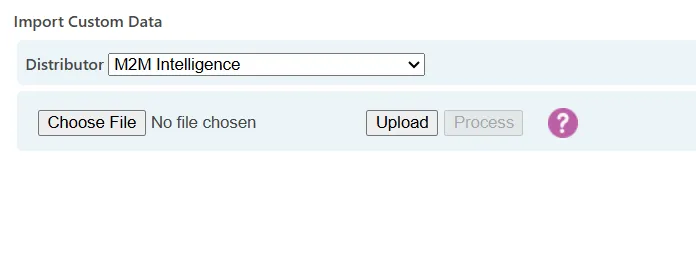
Import Custom Data page for uploading custom field information via spreadsheet.
Import process
- Download and complete the template spreadsheet.
- Upload the file using the file selection control.
- Review any validation messages.
- Confirm the import.
Imported data will update the custom fields for the corresponding SIMs.
Important considerations
- Ensure SIM identifiers in the spreadsheet are accurate.
- Validate formatting before upload.
- Existing custom field data may be updated depending on file content.
When to use Import Custom Data
This page is typically used when:
- Assigning asset references at scale
- Aligning SIM records with external systems
- Performing bulk metadata updates